Automatic Image Photo filter
Super cool, super lightweight, super fast, Just tap it
Beautiful in various ways.
AutoFilter app on the App Store: https://apps.apple.com/app/autofilter/id6526479418
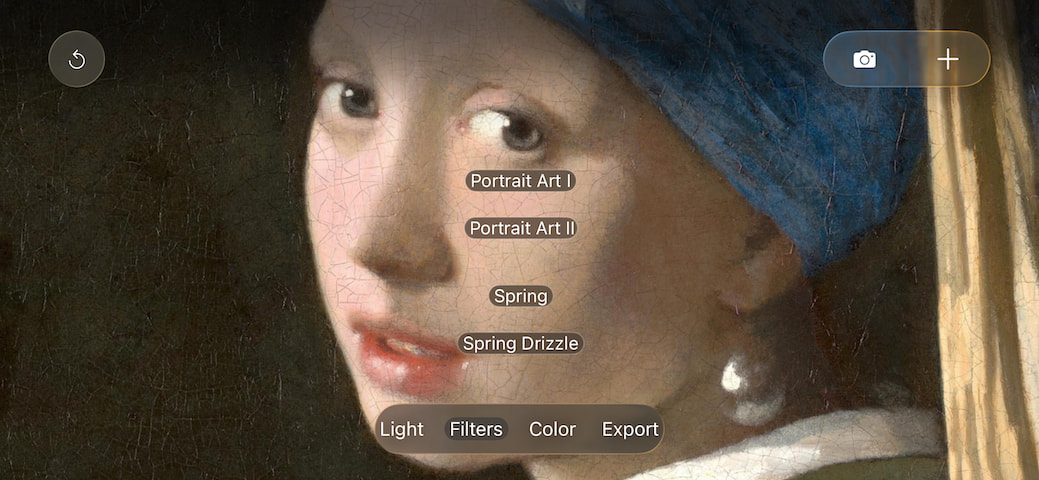
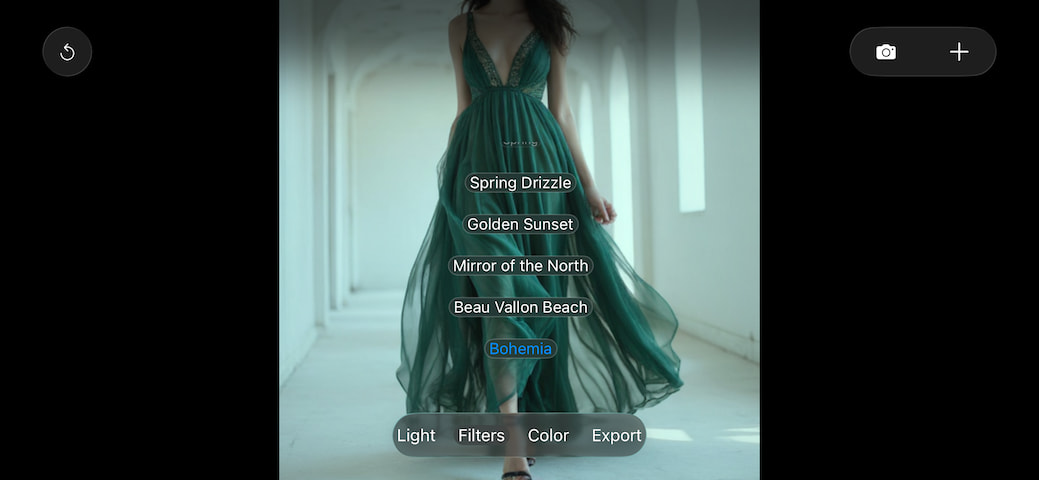
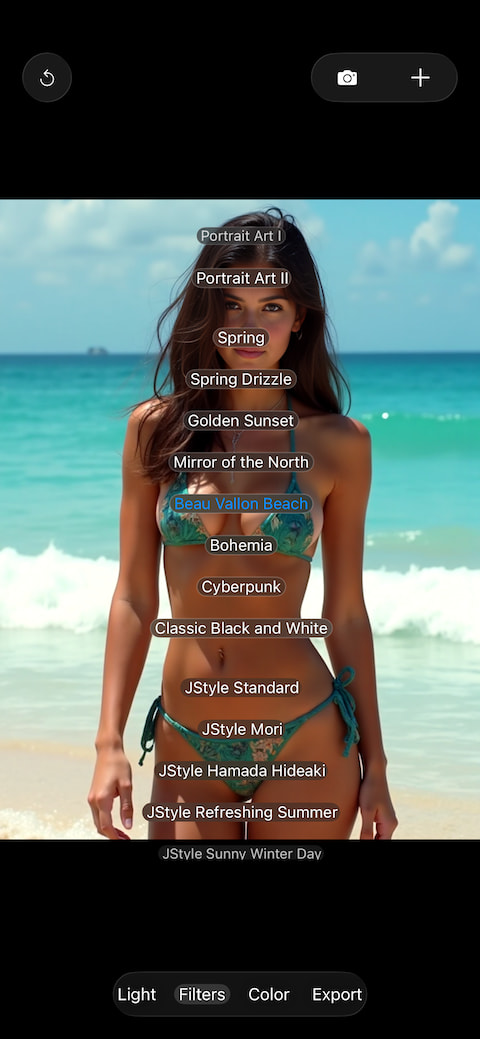
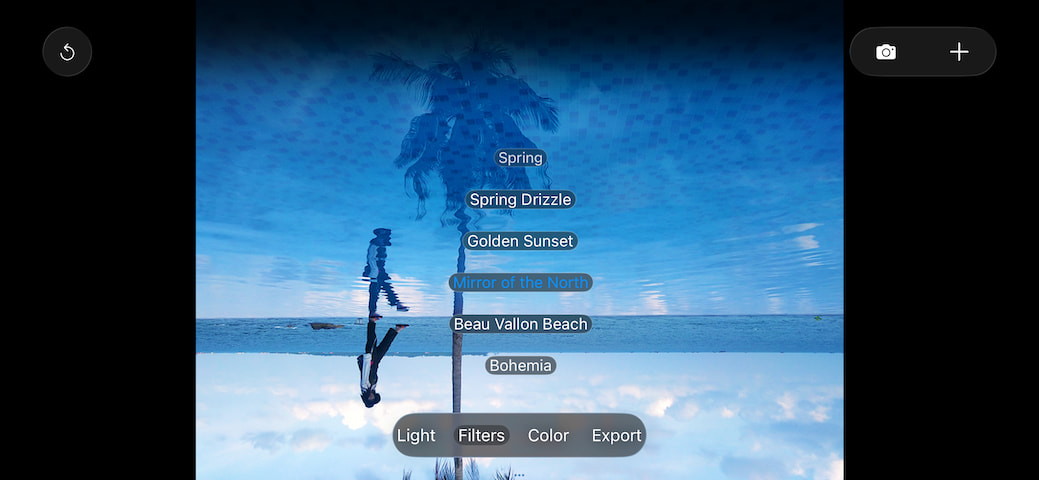
[ Spring ] Spring outdoor travel style.
[ A drizzly Spring ] Spring outdoor travel style in light drizzling rain.
[ Golden Sunset ] Sunset Glow Style.
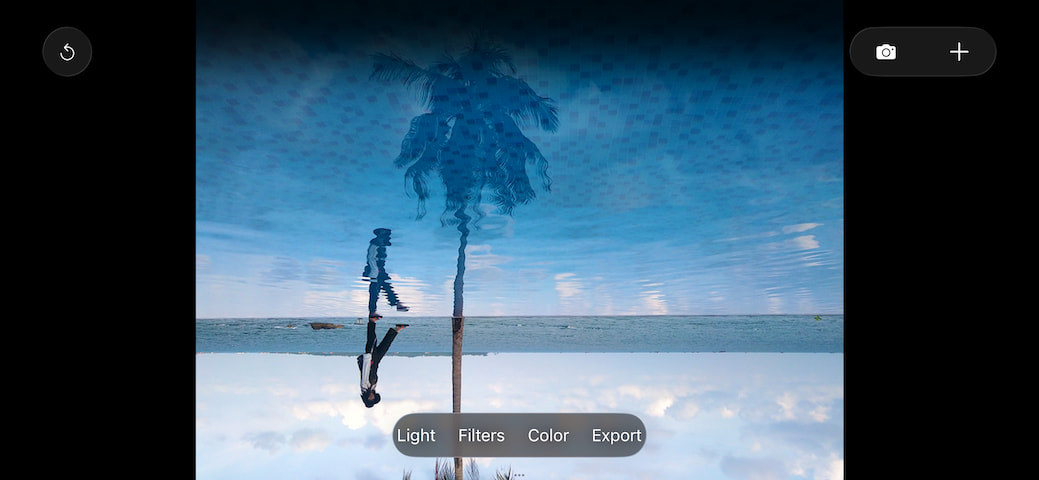
[ Mirror of the North ] Nordic snowy landscape style.
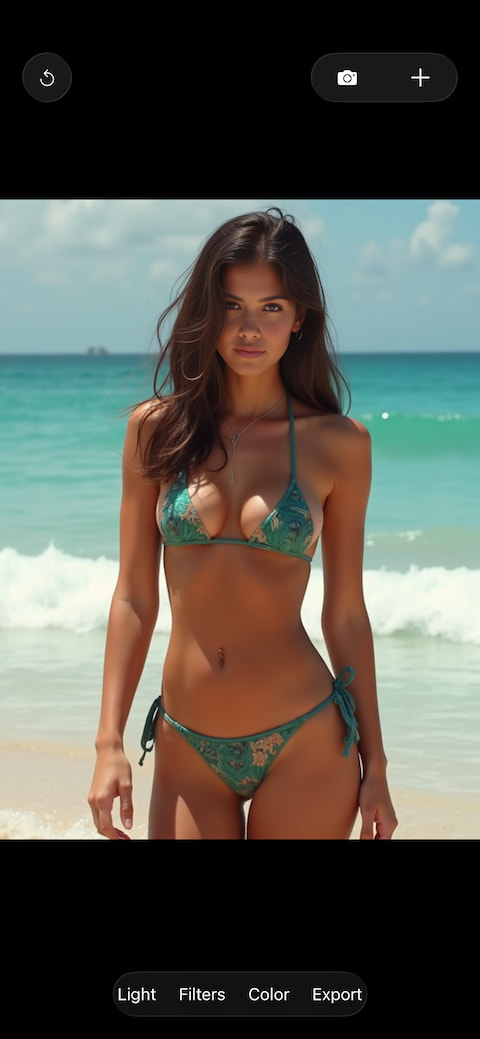
[ Beau Vallon Beach ] Beach outing style.
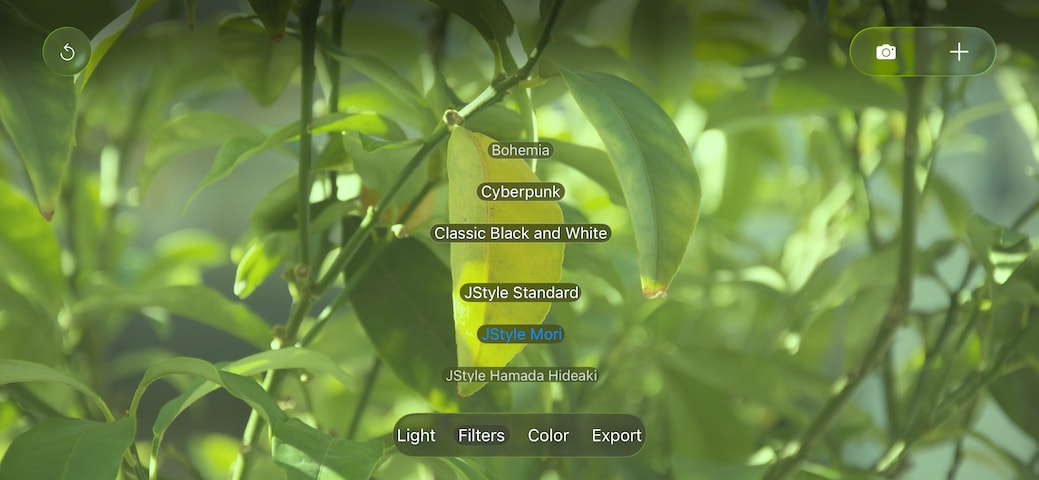
[ Bohemia ]
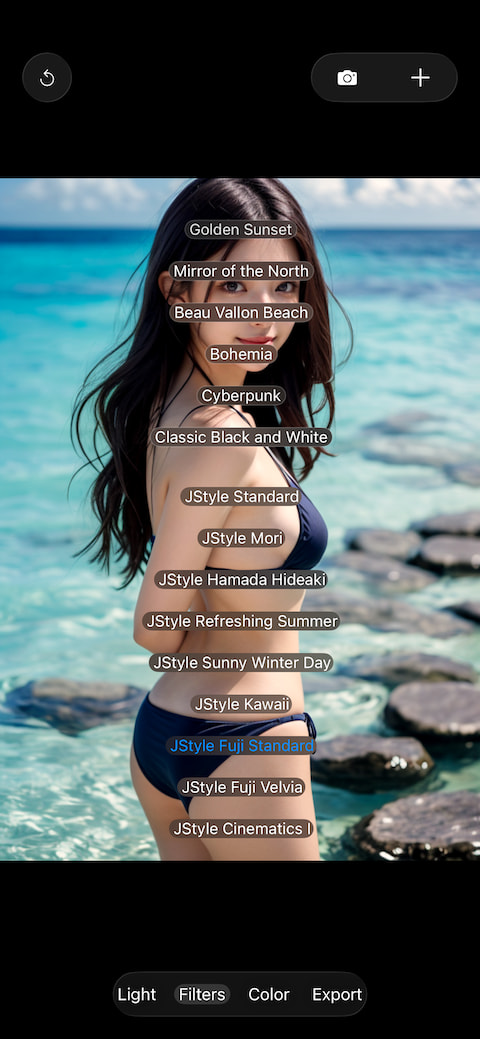
[ Cyberpunk ]
[ Classic Black and White ]
[ Japanese Style 10 ] 10 types of ultimate Japanese art styles, like kawaii (6/10 have a kawaii effect.), click repeatedly to cycle through the filters.
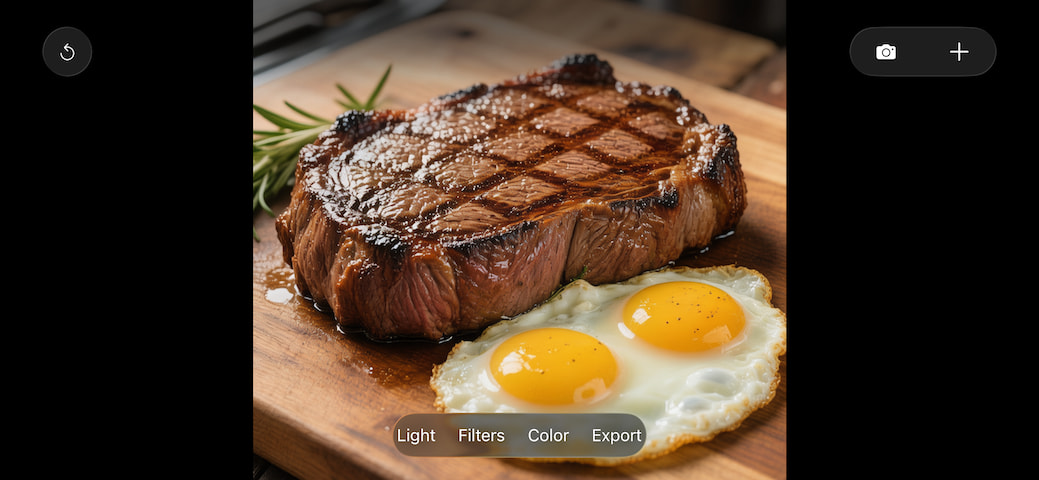
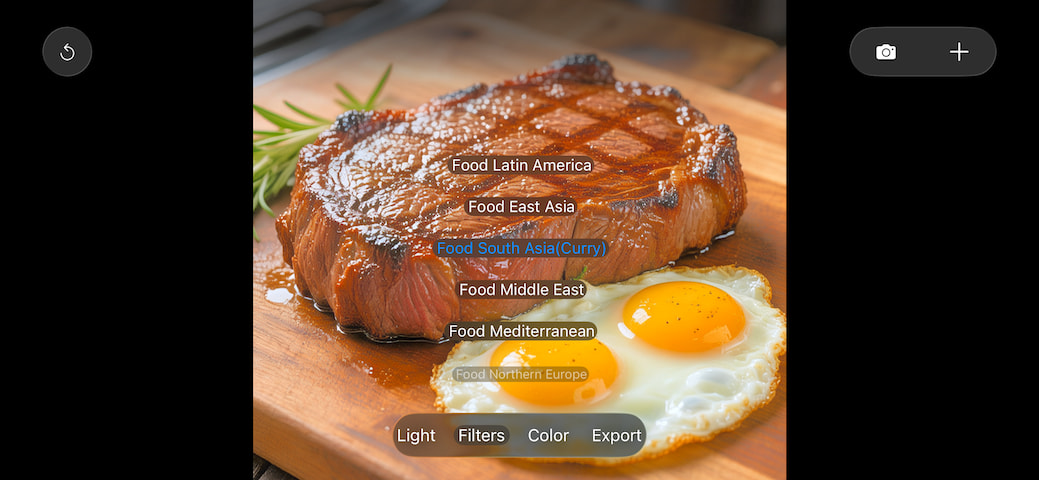
[ Food 7 ] 7 Ultimate gourmet styles, click repeatedly to cycle through the filters.
[ Infinite Softlight 10 ] 10 Ultimate Artistic Romantic Soft Light Styles, click repeatedly to cycle through the filters.
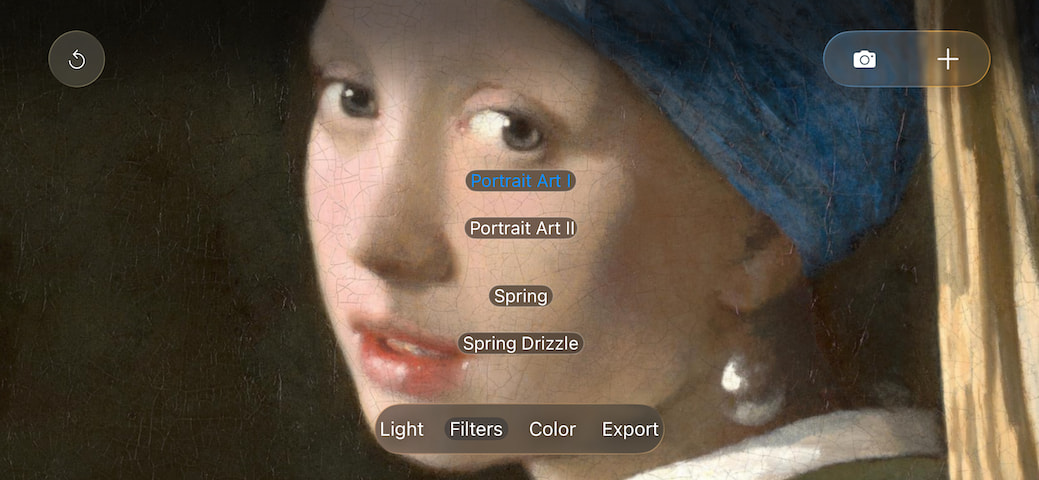
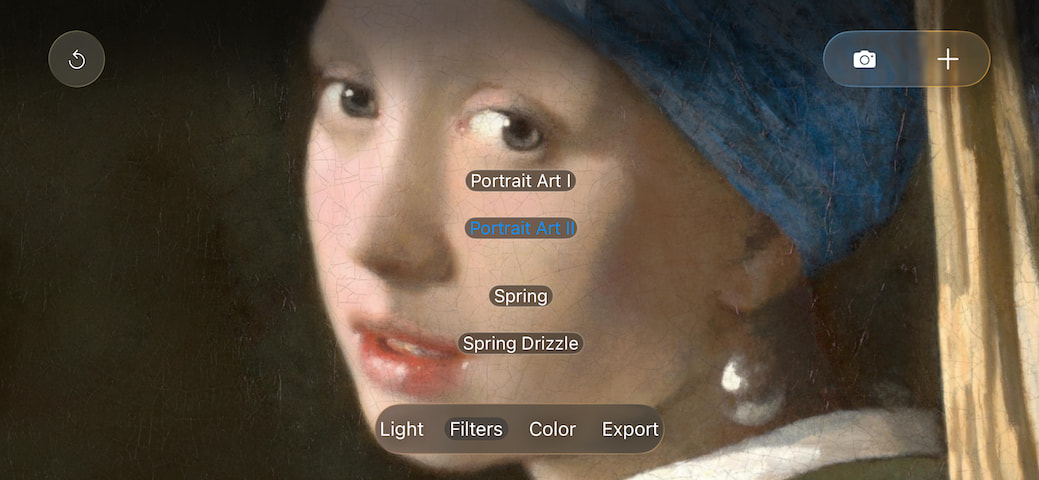
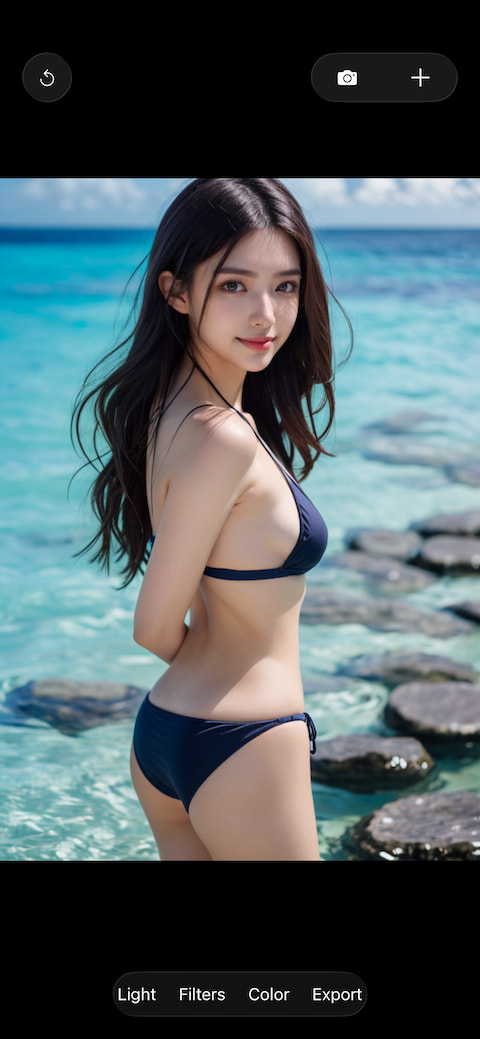
[ Artistic Portrait 3 ] 3 Types of Naturally Beautiful Looks, click repeatedly to cycle through the filters.
All automatic art filters adjust the current same image when this menu pops up, and they do not affect each other.
If an auto art filter needs to be applied on the basis of another auto art filter effect, export the previous result as an image file. Then click the plus button ' + ' in the upper right corner to load the file to achieve this. Alternatively, if the image effect of an auto art filter has been fine-tuned using an adjustment filter, it can also be treated by other auto art filters as the current same image for further adjustment (though this is generally unnecessary).
Continuously upgrade unique automatic art filters.
Fine-tuning Filters:
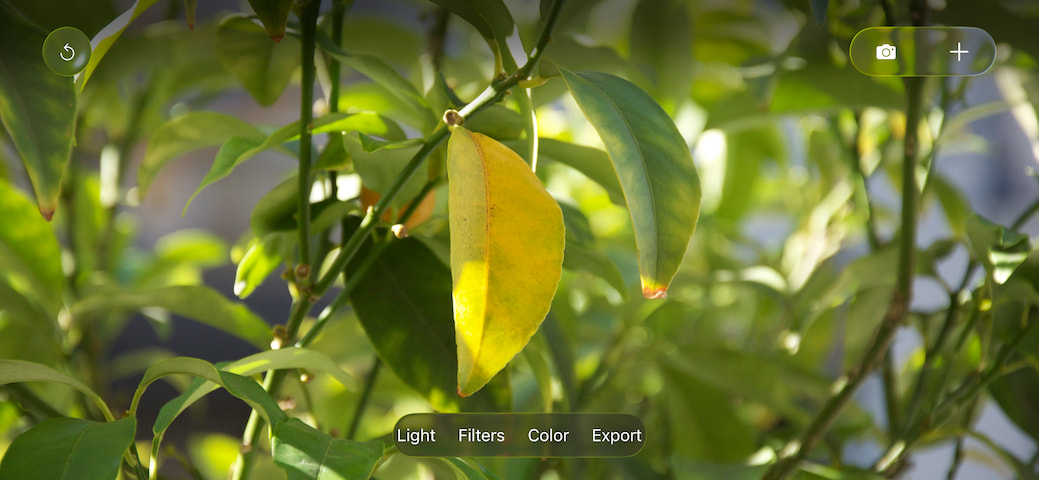
[ Light ] and [ Color ] menu items: Make real-time fine-tuning to any image currently on the screen.
Others:
Use the [ + ] button in the top right corner to load a file.
The [ Reset ] button in the top left corner quickly restores the image to its state when the file was first loaded.
At any time, double-tap the screen to automatically toggle the image between fit screen and fill screen. You can also use gestures like pinch to freely zoom and pan the image, with a super large zoom scale.
Powerful color tool: [Automatic Color Correction]
No matter what photography equipment is used, there is always a problem of color cast. [ Automatic Color Correction ] can play a significant role in correcting color casts. Whether or not there is a color cast depends on the judgment of the human eye; if you feel there is a color cast, just run this function.
If you cannot determine whether there is a color cast, simply run it to see the effect. Most of the time, it will amaze you!
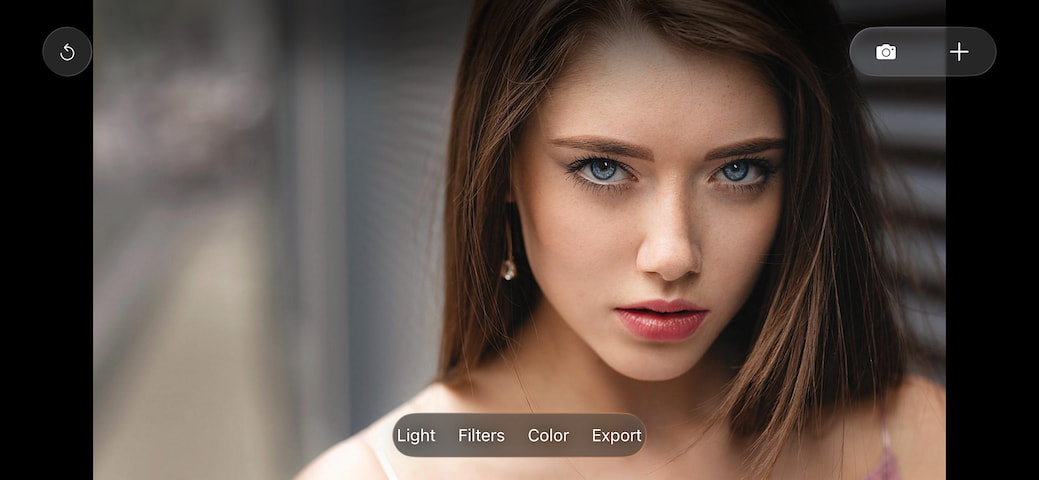
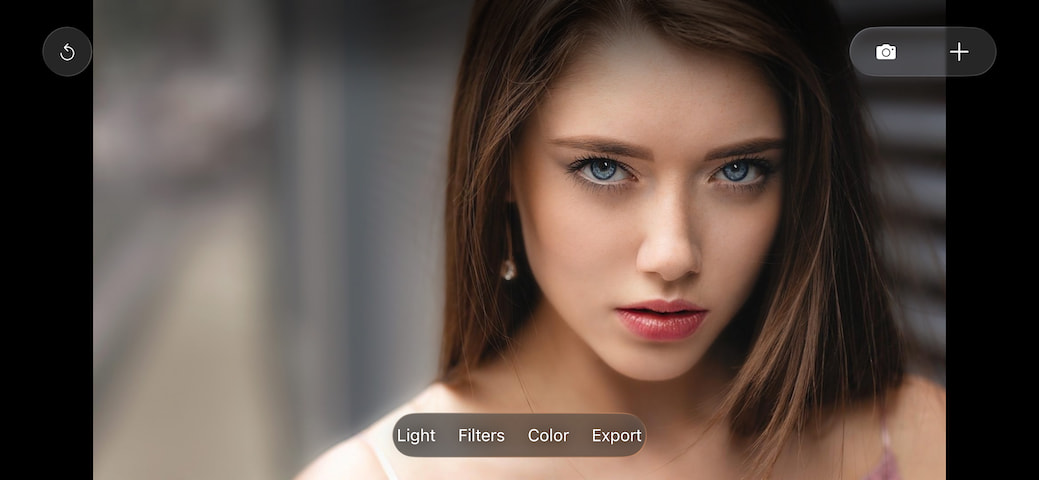
Portrait Art Natural Skin Smoothing
Facial skin smoothing maintains natural beauty
Facial skin smoothing intelligently avoids the eye area: preserving the clear beauty of the eyes
At the same time, it enhances the portrait art of all faces in the image
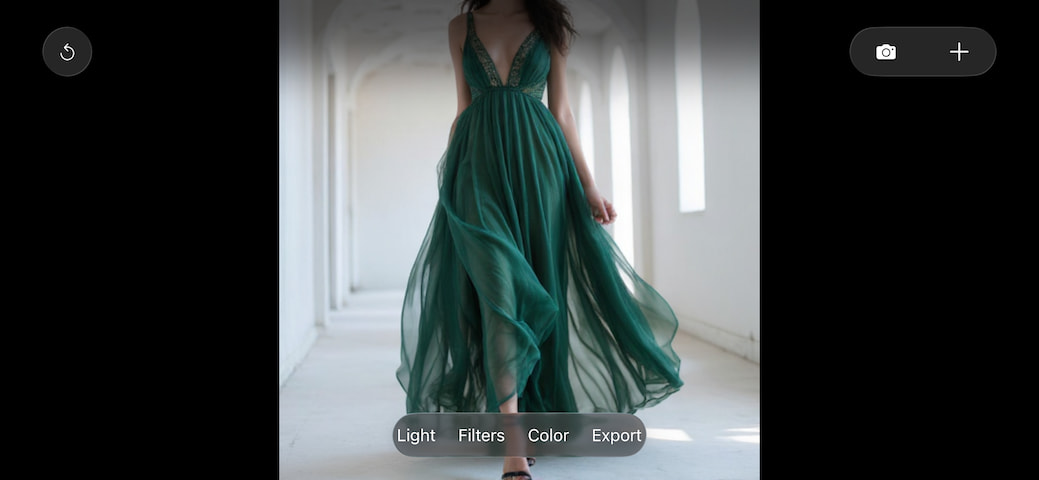
OiK: AI Wardrobe & Sleep Companion
OiK app on the App Store: https://apps.apple.com/us/app/oik/id6446676453
#Filter #Filters #Photo #Camera #Camera Filters #Portrait Filters #Landscape Filters #Visual Effects #Presets #Color Correction #Creative Tools
|